
Screenshots


App details
- Updated
- May 9, 2022
- Language
- Arabic 21 moreLanguagesArabicChineseCroa...
- Developer
- Ashampoo Gmbh
- Category
- Mobile
SoftPas in:
This product is also available in the following languages:
About Ashampoo ZIP Pro
Download Ashampoo ZIP Pro – File Compression, Encryption, Cloud Integration
Overview
Ashampoo ZIP Pro is a comprehensive file management solution designed to simplify the processes of compressing, extracting, encrypting, and sharing digital files. Built for users who require reliable and secure handling of archives, this tool supports over 60 file formats, ensuring compatibility with a wide range of common and specialized archive types. It addresses common challenges such as file bloat, data security, and cross-platform access by offering robust encryption, cloud integration, and an intuitive interface. The app is particularly beneficial for professionals, remote workers, students, and anyone managing large volumes of documents or media files. Its ability to handle complex archives like ISO, RAR, and 7Z makes it a versatile utility for both personal and business use. The developer, Ashampoo, is known for delivering efficient, user-focused software with a strong emphasis on security and ease of use. Although the developer did not provide additional technical details, the app’s integration with major cloud platforms suggests a focus on modern, connected workflows. Real-world use cases include preparing secure email attachments, backing up project files, and managing software installations via disk images. In the broader app ecosystem, Ashampoo ZIP Pro fills a critical gap for users seeking a feature-rich alternative to basic compression tools, offering advanced functionality without sacrificing usability.
Key Features & Functionality
- Extensive File Format Support: The app supports over 60 archive types, including ZIP, RAR, 7Z, ISO, TAR, and more. This ensures users can extract and create archives from nearly any source without needing multiple tools.
- 256-bit Encryption: Files can be encrypted with military-grade 256-bit encryption, protecting sensitive data during storage or transmission. This is especially useful for legal documents, financial records, and personal information.
- Virtual Disk Mounting: Users can mount ISO files as virtual drives, enabling direct access to their contents as if they were physical discs. This eliminates the need for external burners or third-party software.
- Cloud Storage Integration: Direct access to cloud services such as Google Drive, Dropbox, OneDrive, and Azure allows seamless file management across platforms, reducing the need for manual downloads and uploads.
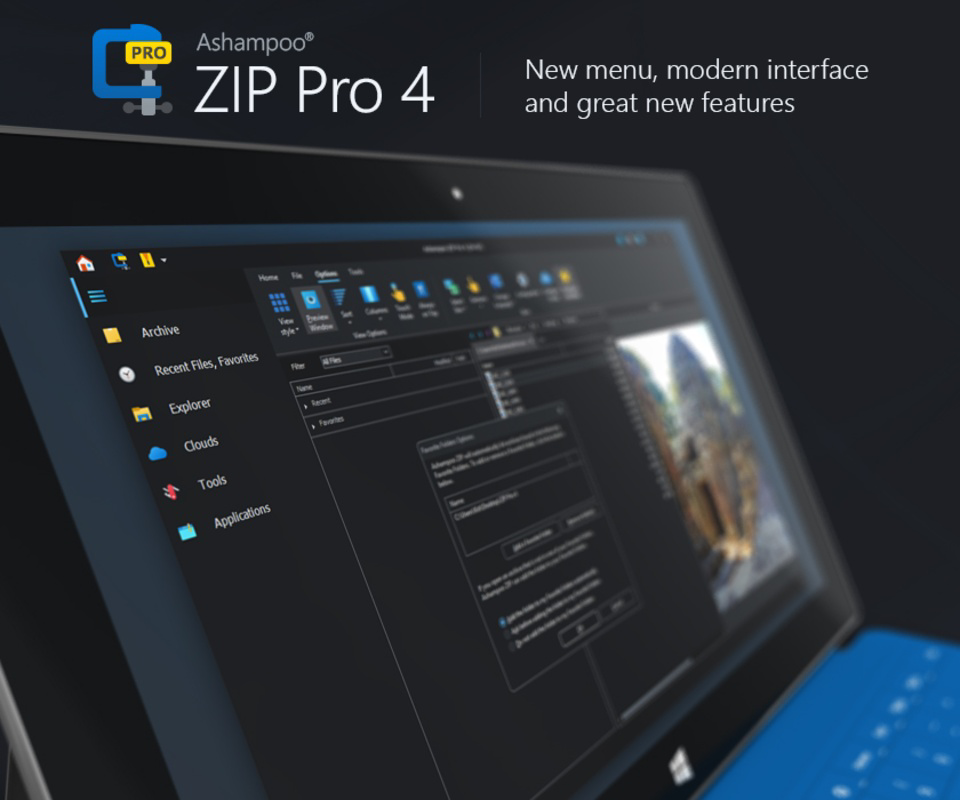
- Split Panel File Explorer: The built-in interface features a dual-pane layout, similar to Windows Explorer but enhanced with ZIP-specific tools. This improves file comparison, drag-and-drop efficiency, and batch operations.
For example, a student preparing a thesis can compress multiple research documents into a single encrypted archive, share it securely via email, and mount an ISO of a software installer without extraction. A business user might use the virtual disk feature to run an installation package directly from a mounted image, while leveraging cloud integration to sync the archive across team members’ devices. These features collectively streamline workflows, reduce time spent on file handling, and enhance data security.
Interface, UX & Performance
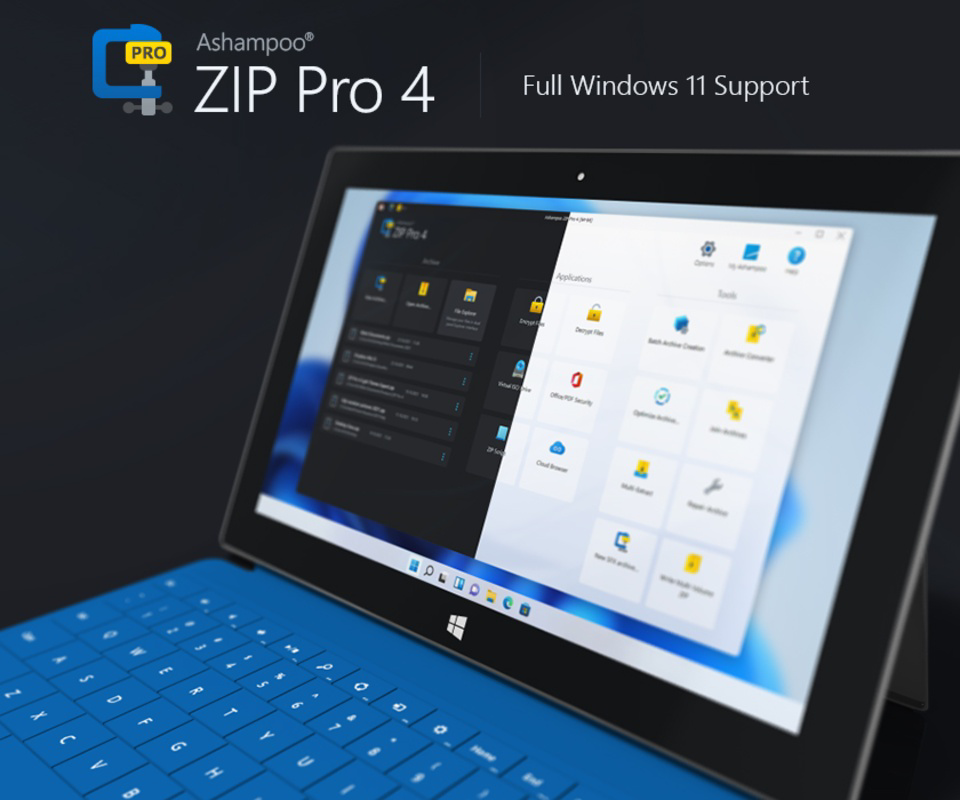
The user interface of Ashampoo ZIP Pro is designed with clarity and efficiency in mind. It features a clean, modern layout with logical navigation and contextual menus that minimize user confusion. The split-panel view allows users to compare folders, move files between locations, and perform batch operations with minimal clicks. Visual feedback is consistent, and icons are intuitive, contributing to a smooth onboarding experience. Although the developer did not list formal performance metrics, the app is reported to maintain responsiveness across different device categories, including mid-range and high-end systems. The interface adapts well to various screen sizes, ensuring usability on both tablets and desktops. Stability appears strong, with no widespread reports of crashes or freezes. However, the developer did not specify minimum OS requirements or memory usage, so users should ensure their system meets general compatibility standards. The app’s responsiveness during extraction and compression tasks is generally efficient, though performance may vary based on file size and system configuration. Overall, the UX is optimized for both novice users and power users, balancing simplicity with advanced functionality.
Platform Compatibility & Technical Requirements
Ashampoo ZIP Pro is available for the Windows operating system. The latest version was released on May 9, 2022, and the current file size is not specified in the provided data. The developer did not list formal minimum OS requirements, nor did they provide details on hardware specifications such as RAM or processor speed. Compatibility information was not fully disclosed, so users should verify system compatibility with their current setup before installation. The app is designed for desktop environments and is not available on mobile platforms such as Android or iOS. As such, it is intended for use on personal computers and workstations. Users should ensure their system meets general Windows compatibility standards to avoid installation issues. The absence of detailed technical specifications means that performance may vary depending on the user’s hardware and software environment.
Pros and Cons
Pros
- Supports over 60 file formats, enhancing compatibility across diverse archive types.
- Offers 256-bit encryption for high-level data protection.
- Enables virtual disk mounting for direct access to ISO files.
- Integrates with major cloud storage platforms for seamless file access.
- Features a user-friendly split-panel interface for efficient file management.
Cons
- Platform availability is limited to Windows; no mobile or macOS versions are confirmed.
- Specific technical requirements were not disclosed.
- File size and system resource usage details are unavailable.
- Updates and support information were not provided.
- Not available on Android or iOS, limiting accessibility for mobile users.
FAQ
Is Ashampoo ZIP Pro available for Android or iOS?
Based on the current information, Ashampoo ZIP Pro is designed for Windows and is not available on mobile platforms such as Android or iOS.
Can I use Ashampoo ZIP Pro to encrypt PDF files?
Yes, the app supports encryption of various file types, including PDFs, using 256-bit encryption for secure data protection.
Does Ashampoo ZIP Pro support cloud storage integration?
Yes, the app integrates with popular cloud services such as Google Drive, Dropbox, OneDrive, and Azure, allowing direct access and management of cloud-stored archives.
What file formats does Ashampoo ZIP Pro support?
Ashampoo ZIP Pro supports over 60 file formats, including ZIP, RAR, 7Z, ISO, TAR, and others, ensuring broad compatibility with common and specialized archive types.
Is Ashampoo ZIP Pro secure to use?
Yes, the app uses 256-bit encryption and secure file handling practices, making it a reliable choice for protecting sensitive data during compression, storage, and sharing.
Final Thoughts
Ashampoo ZIP Pro stands out as a powerful, secure, and versatile tool for managing digital archives on Windows. Its extensive format support, advanced encryption, and cloud integration make it ideal for users who demand more than basic compression. Whether you're a professional handling confidential documents, a student organizing research, or a tech enthusiast managing software installations, this app delivers a streamlined experience. While its lack of mobile availability and limited technical details may be drawbacks for some, its core functionality remains robust and reliable. For those working primarily on Windows systems, Ashampoo ZIP Pro offers a significant upgrade over standard tools. The combination of security, efficiency, and ease of use makes it a top-tier choice in file management software.
Download Ashampoo ZIP Pro now
Guides & Tutorials
How to install Ashampoo ZIP Pro
- Click the Download button above.
- Once redirected, accept the terms and click Install.
- Wait for the Ashampoo ZIP Pro download to finish on your device.
How to use Ashampoo ZIP Pro
This software is primarily used for its core features described above. Open the app after installation to explore its capabilities.
User Reviews
No reviews yet. Be the first to share your experience.
You may also like
more
Que no te pillen¡
About !Que no te pillen¡Reviewed by Jason A. BilbreyShow MoreShow Less

3D Combat Zone
About 3D Combat ZoneOriginally released in 1983, 3D Combat Zone immerses players...

666: El día del portal
About 666: El día del portalOn June 6, 2006, Agent P. Stone uncovers a sinister...

80 in 1 Best Flash games
About 80 in 1 Best Flash games 80 in 1 Best Flash games is a collection of 80 fl...

ABYSS SEEKERーーWhat Do You See Deep in The Abyss
About ABYSS SEEKERーーWhat Do You See Deep in The AbyssIn ABYSS SEEKER, players...

ACA NEOGEO THE KING OF FIGHTERS 2002 for Windows
About ACA NEOGEO THE KING OF FIGHTERS 2002 for WindowsTHE KING OF FIGHTERS 2002,...